


STEP 1: Creating your route
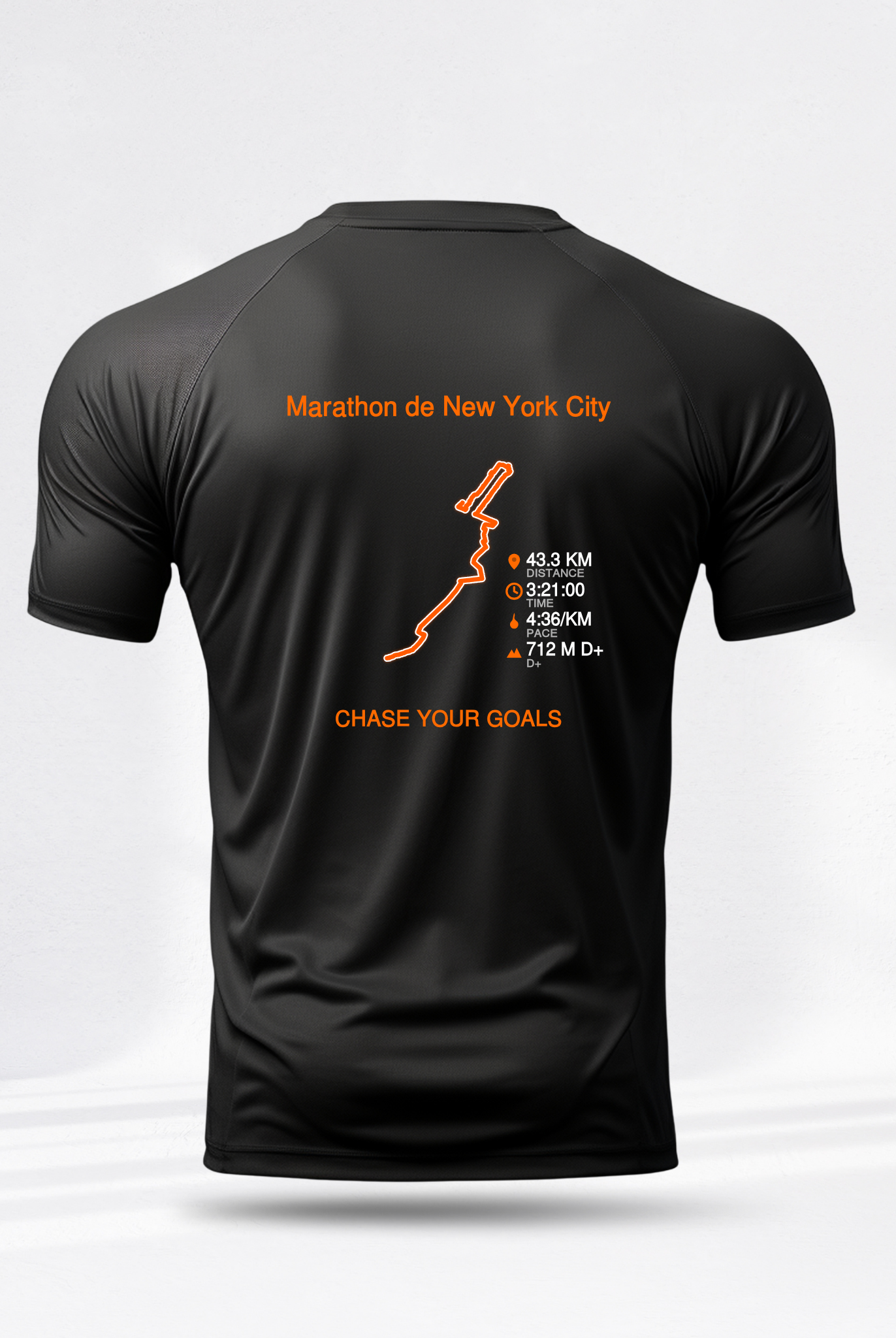
Use our tool to transform your design into an SVG file, which can then be integrated into the t-shirt configurator in the second step.

<ele>.
Rendez-vous sur la FAQ ci-dessous pour comprendre comment récupérer votre fichier GPX.
Step 2: Create your t-shirt
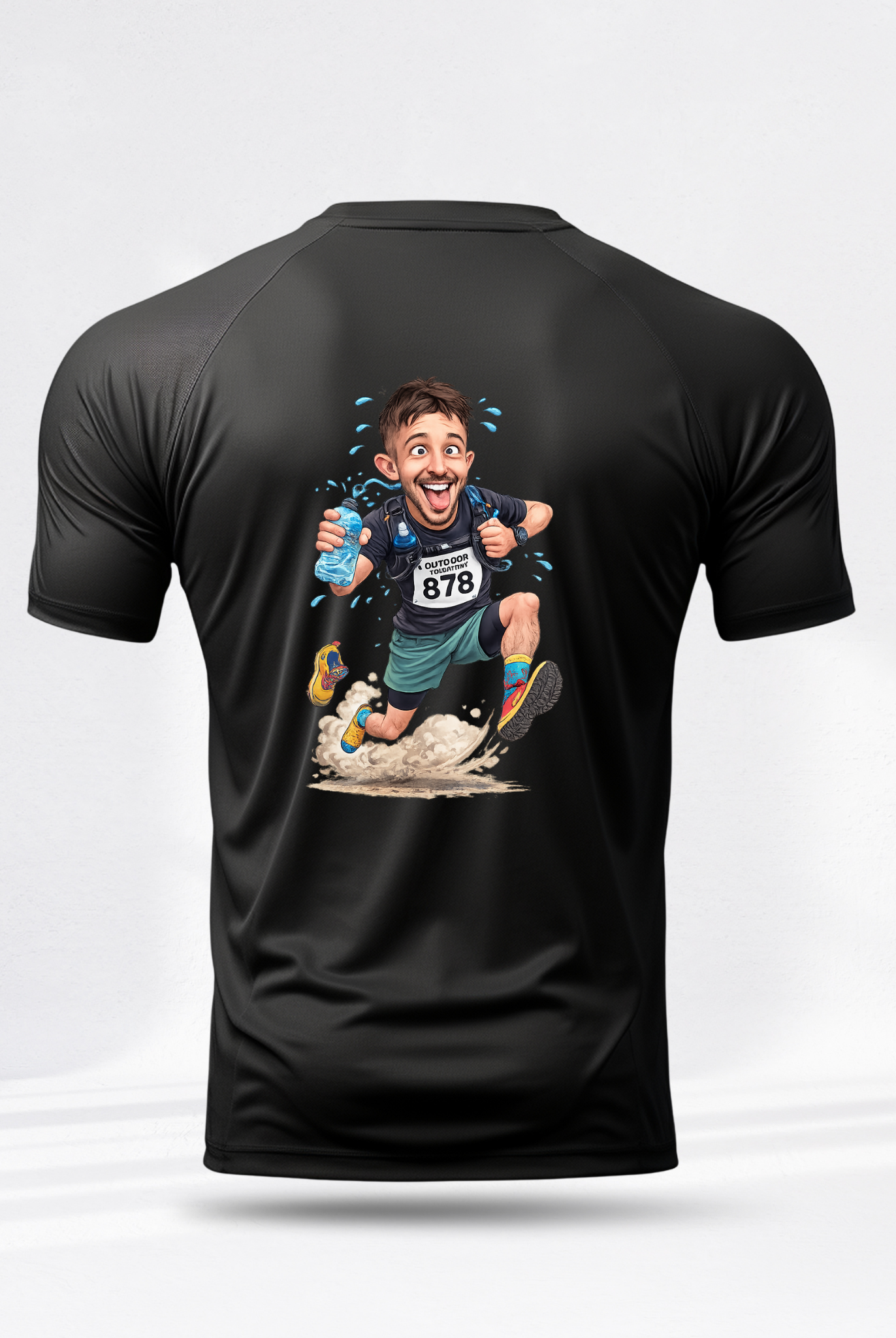
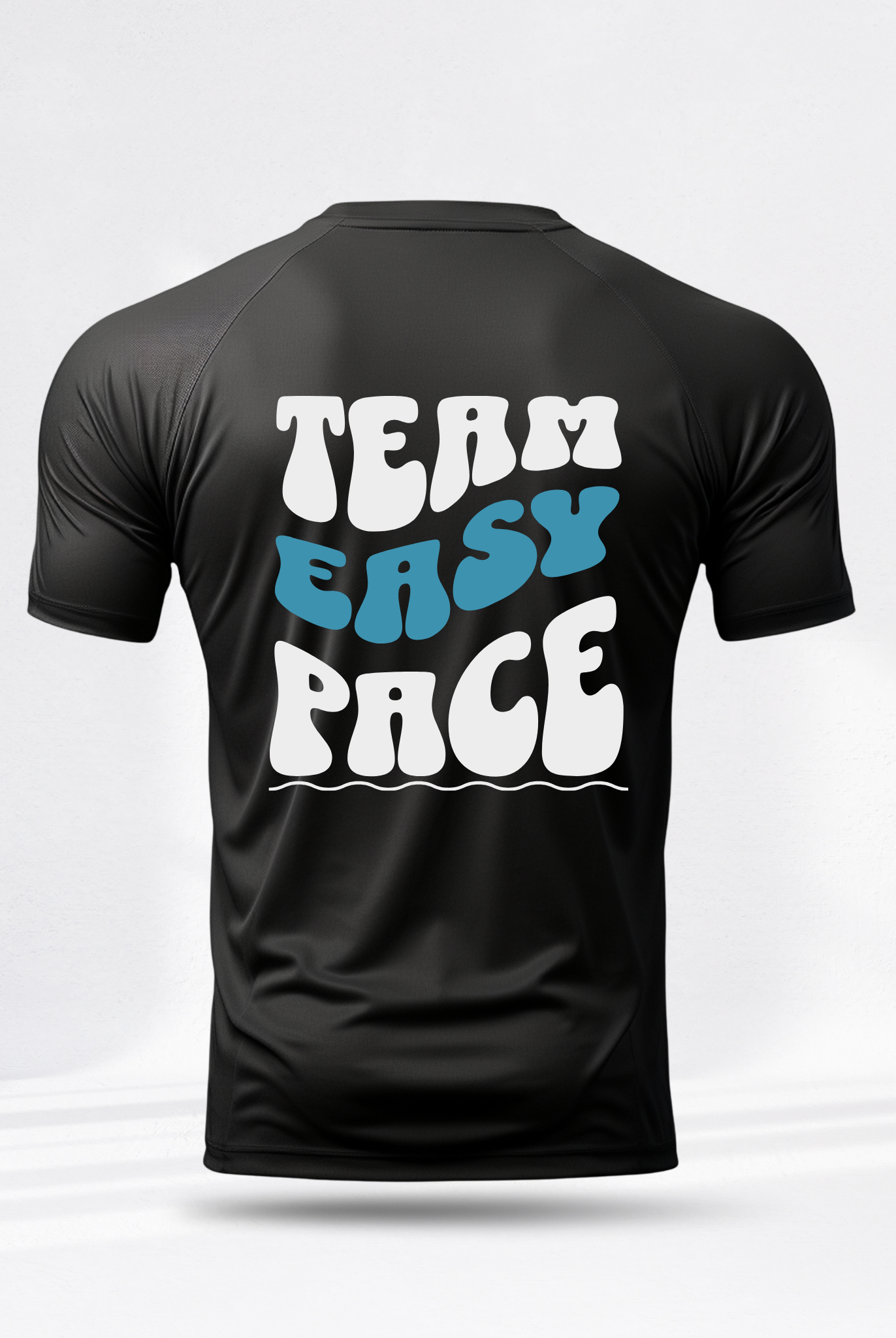
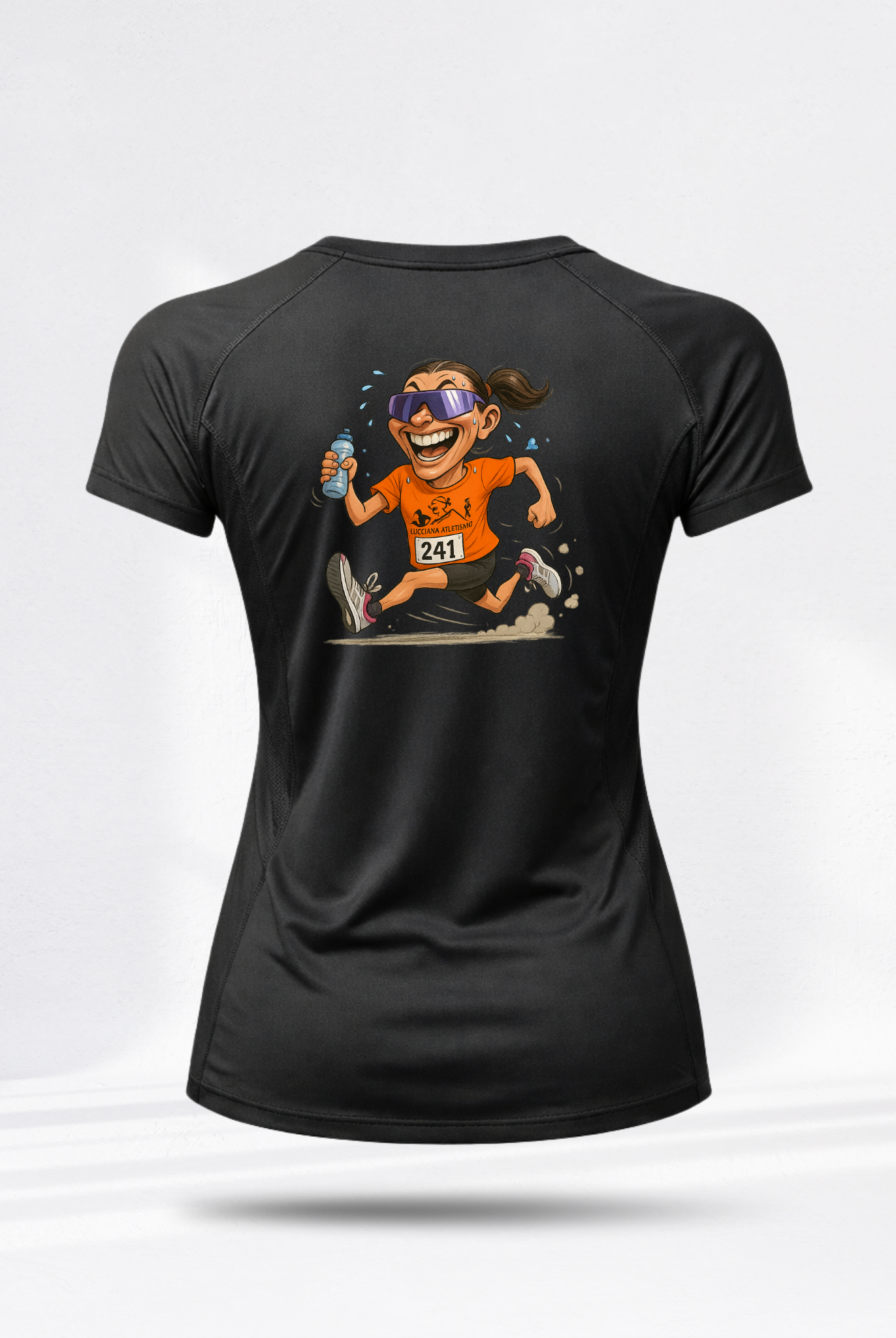
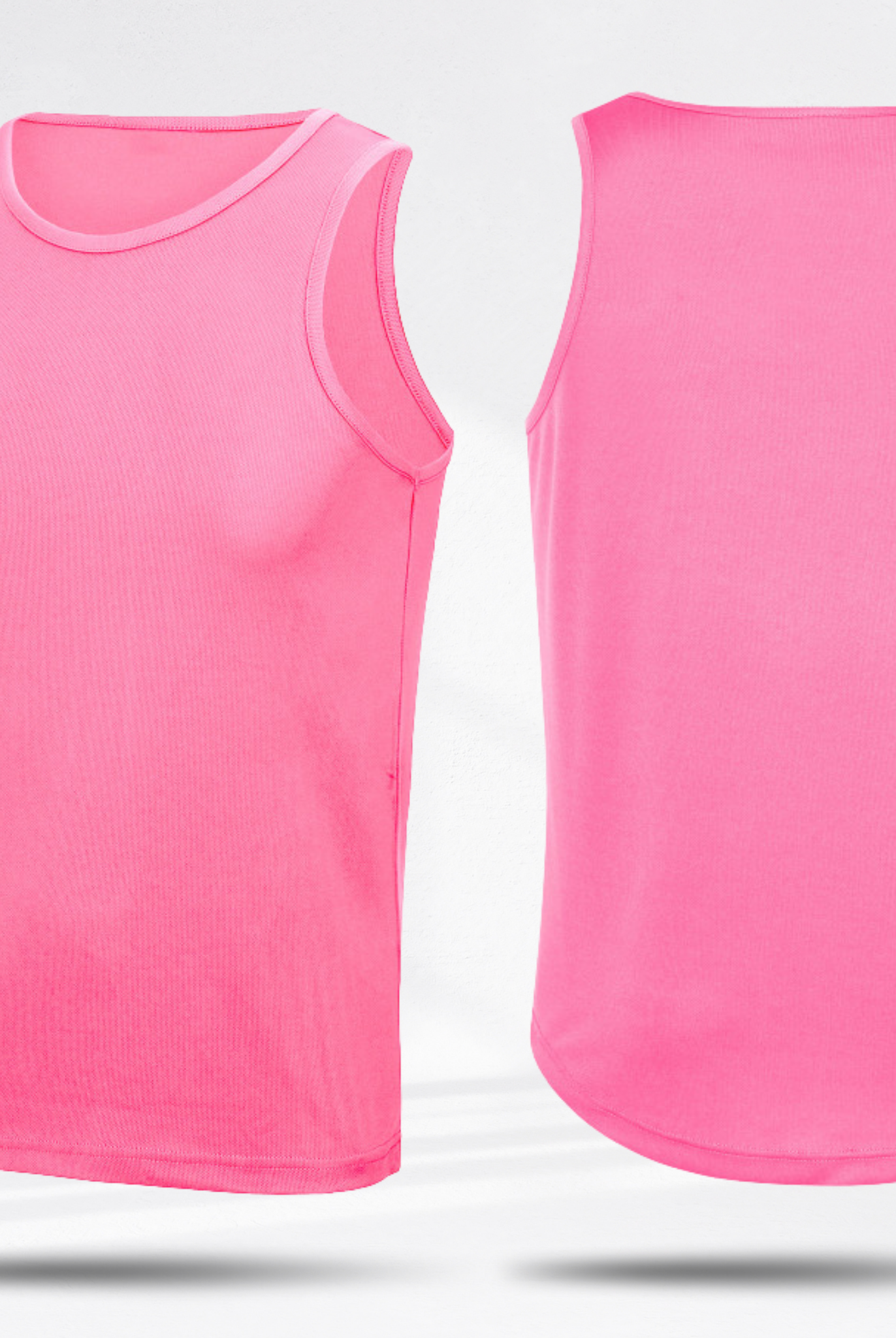
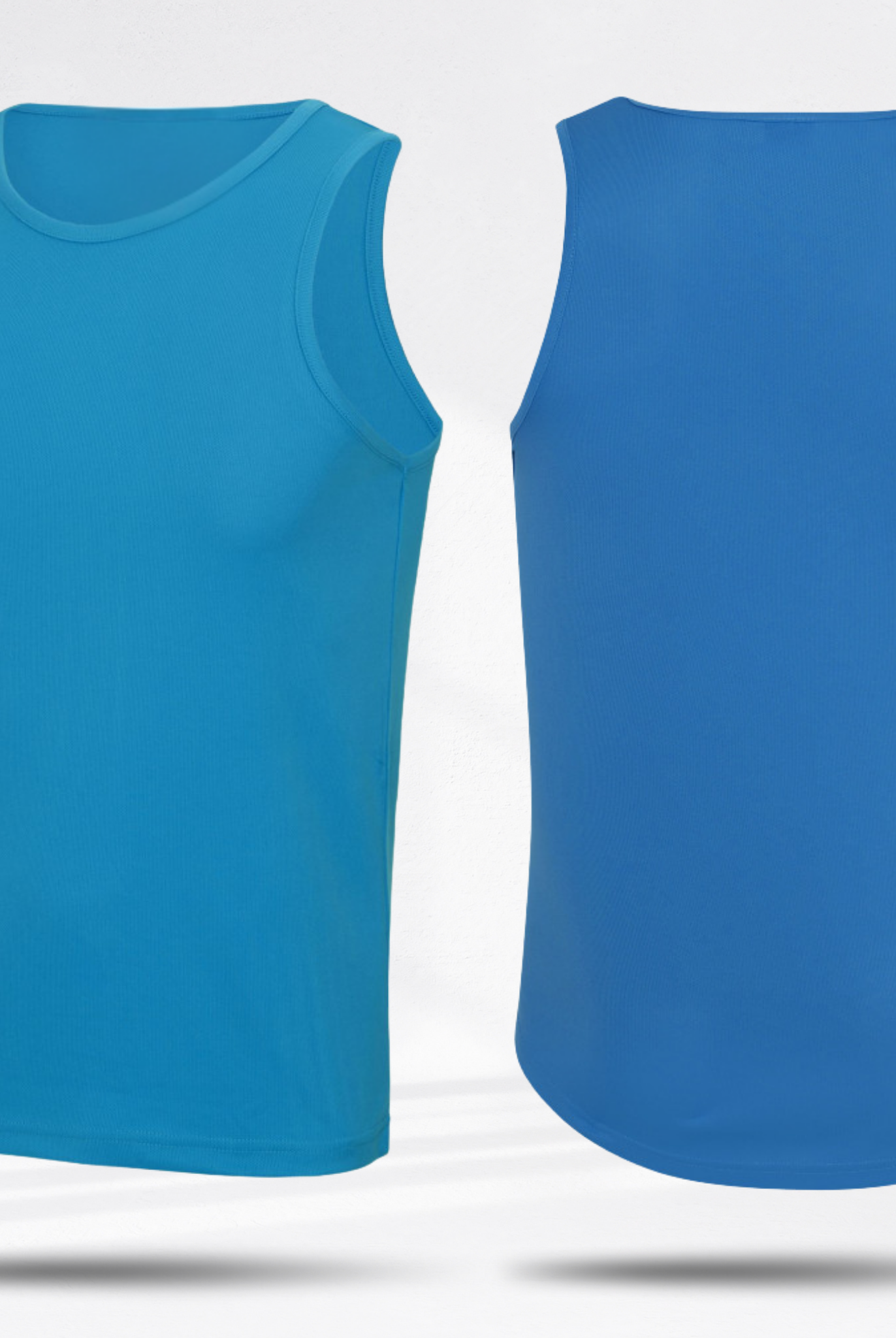
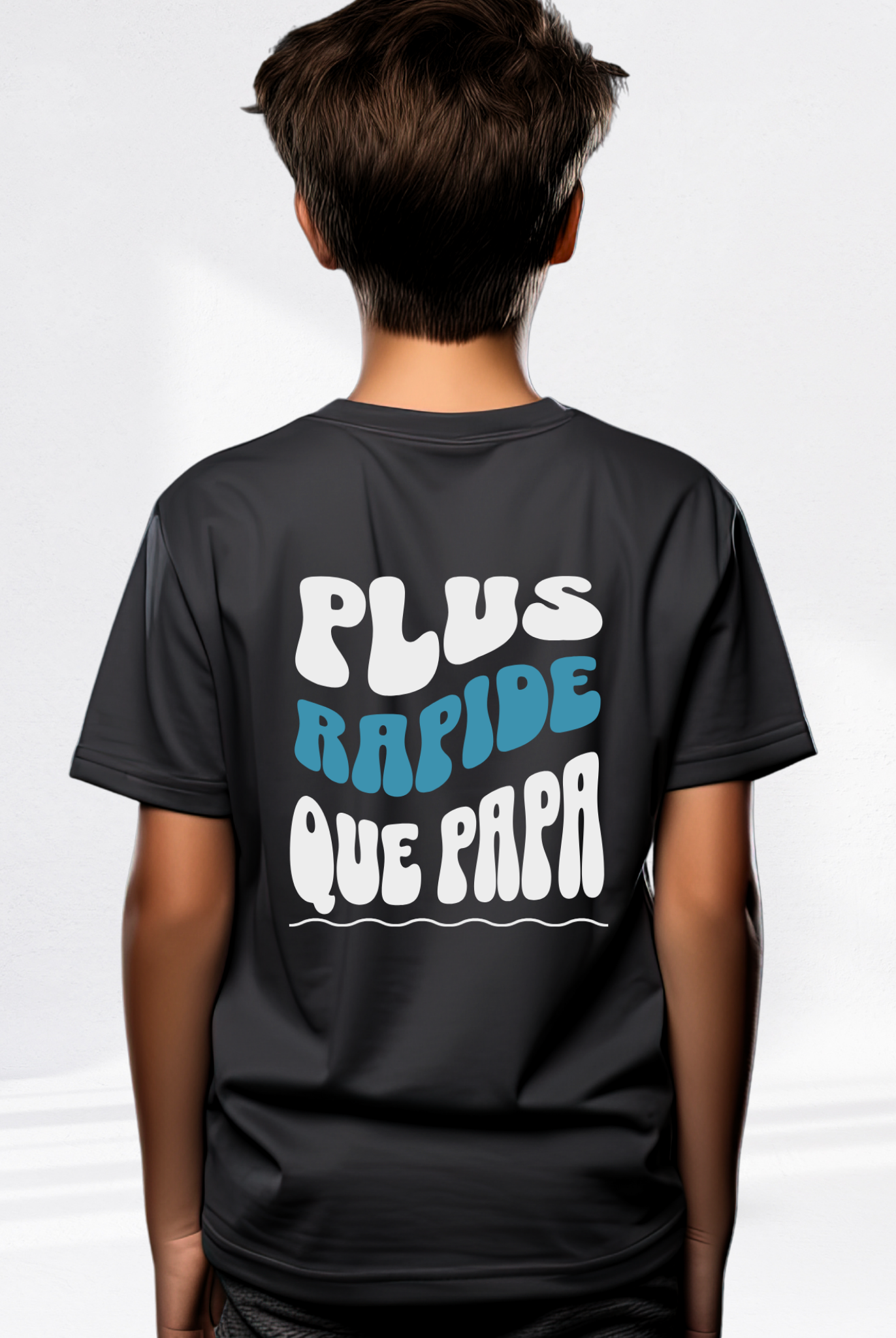
Select your t-shirt below and choose the "STRAVA" template





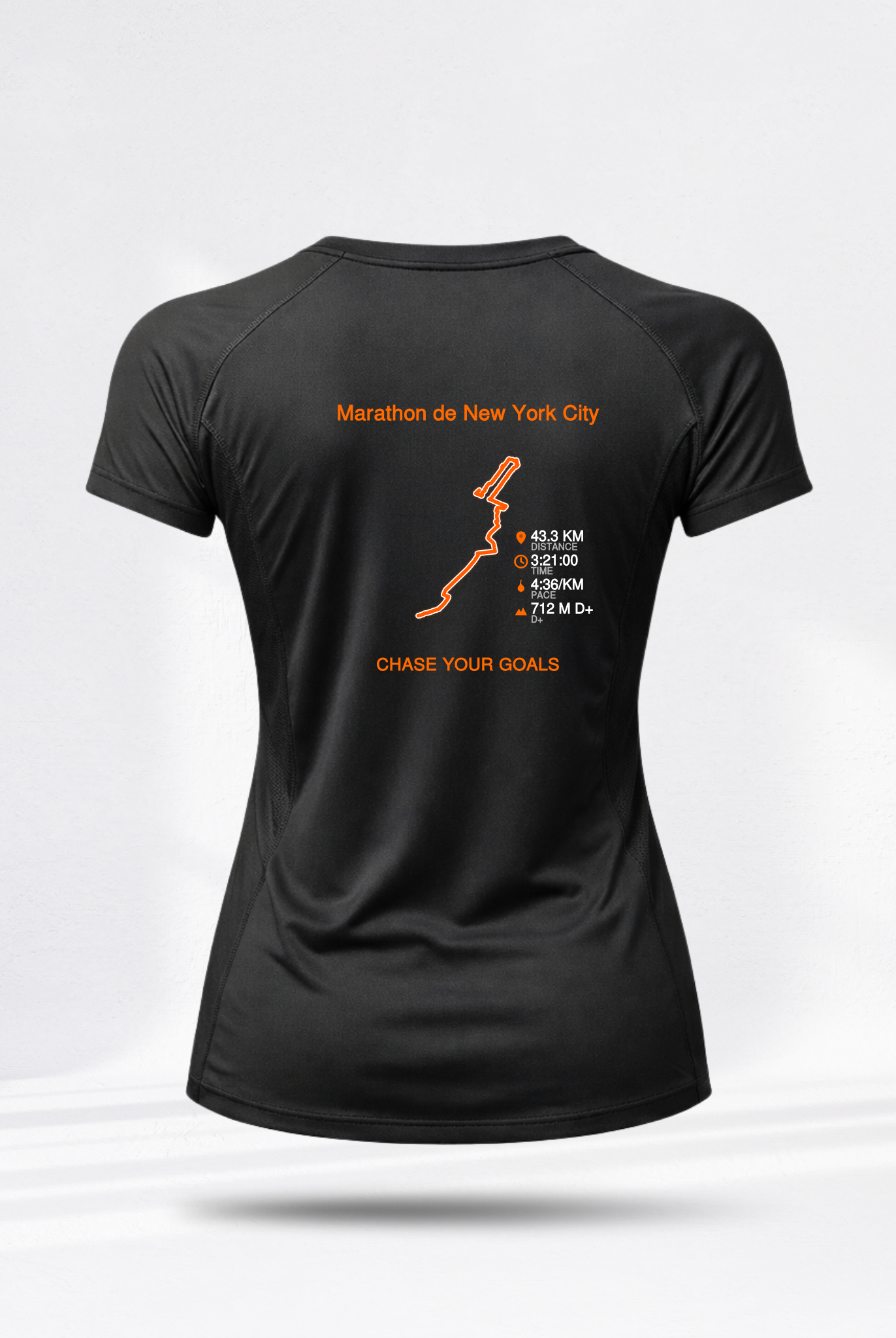



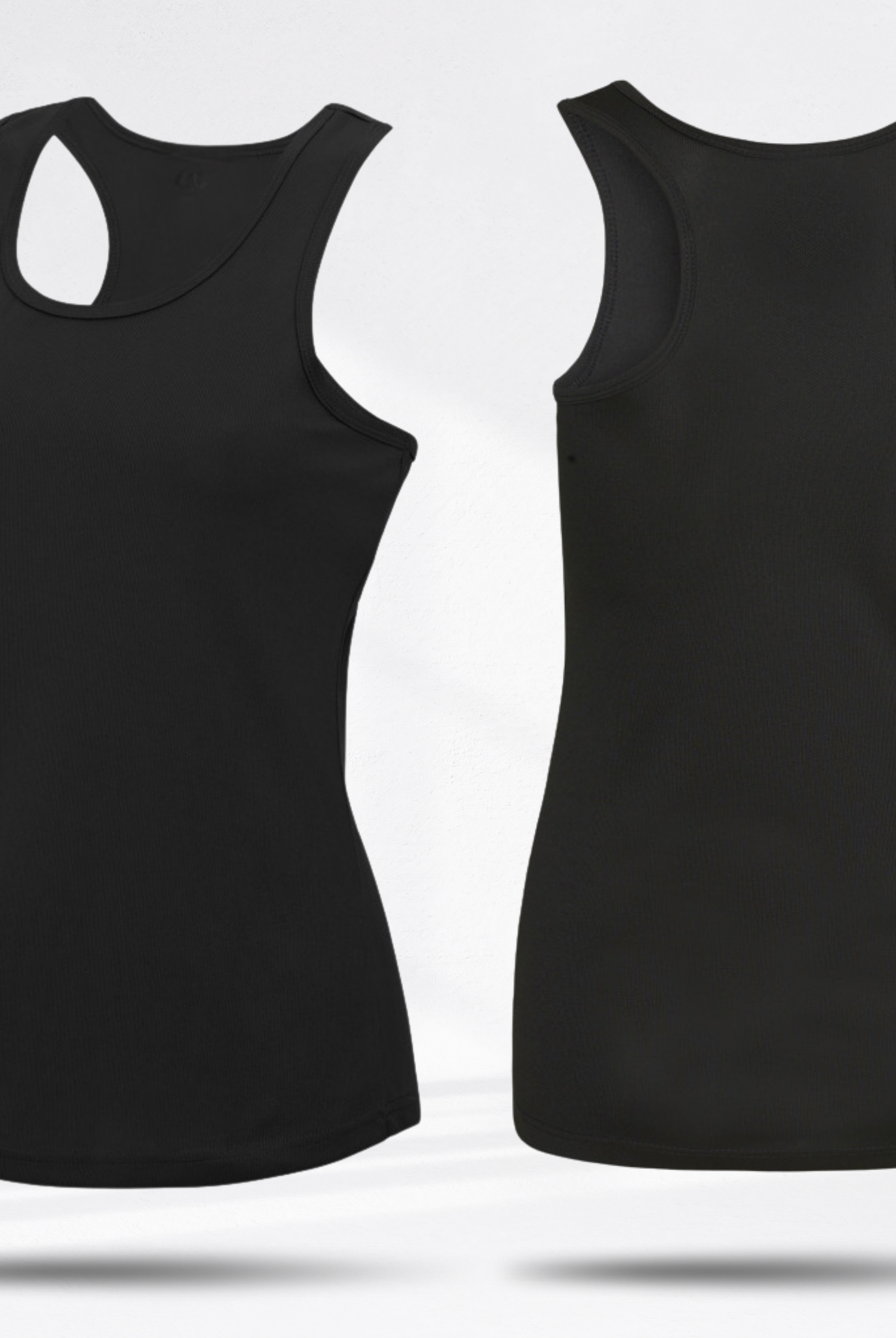

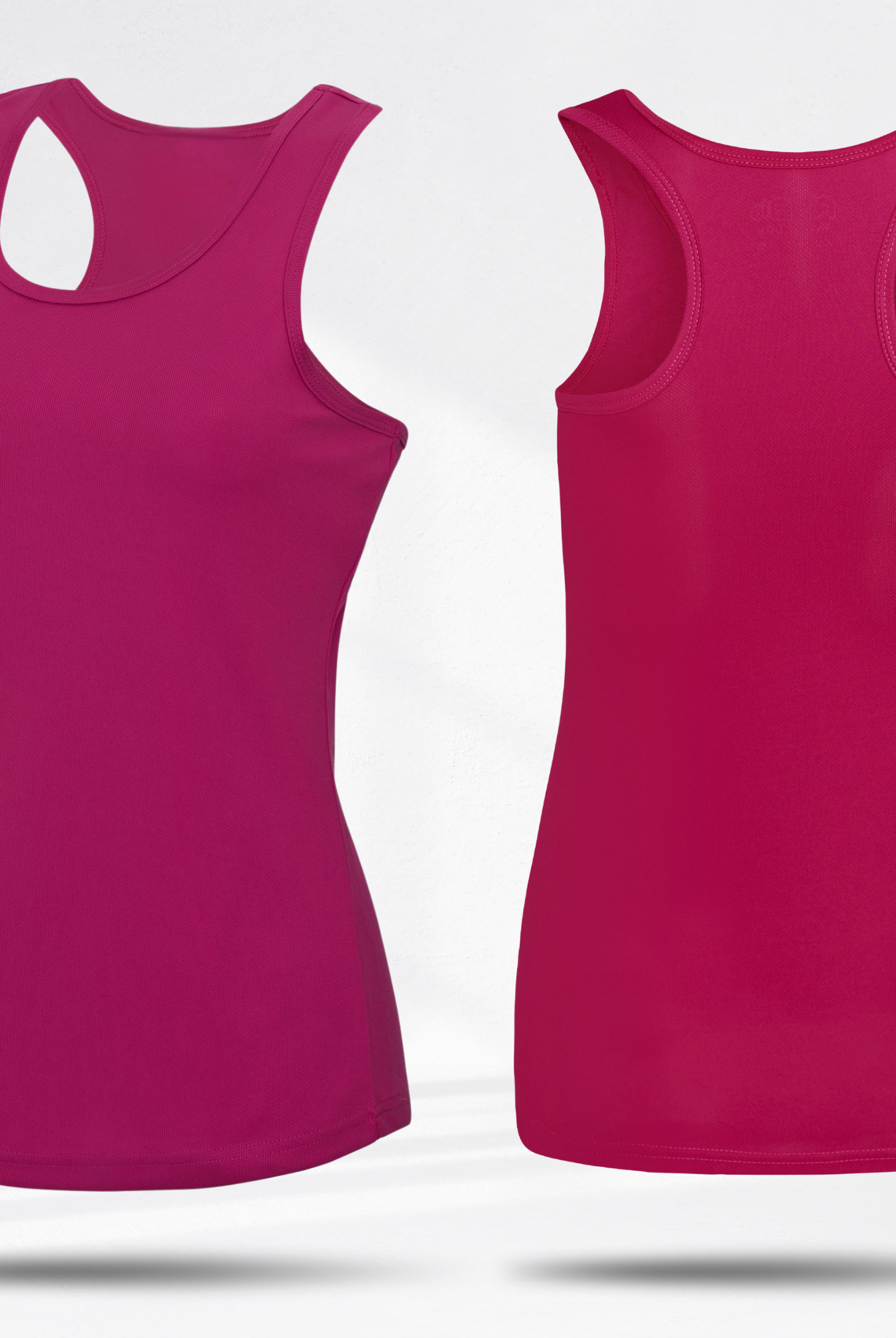
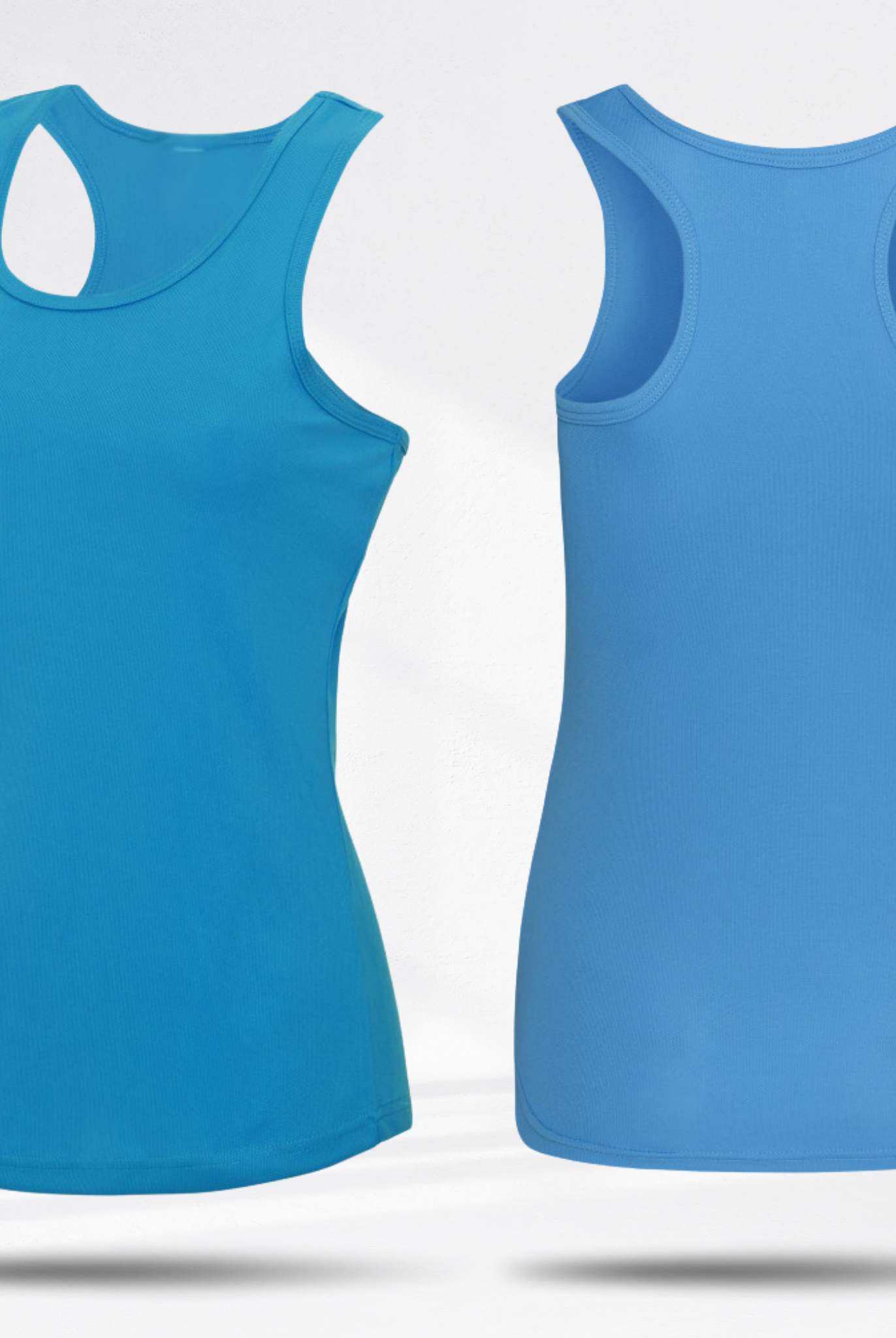
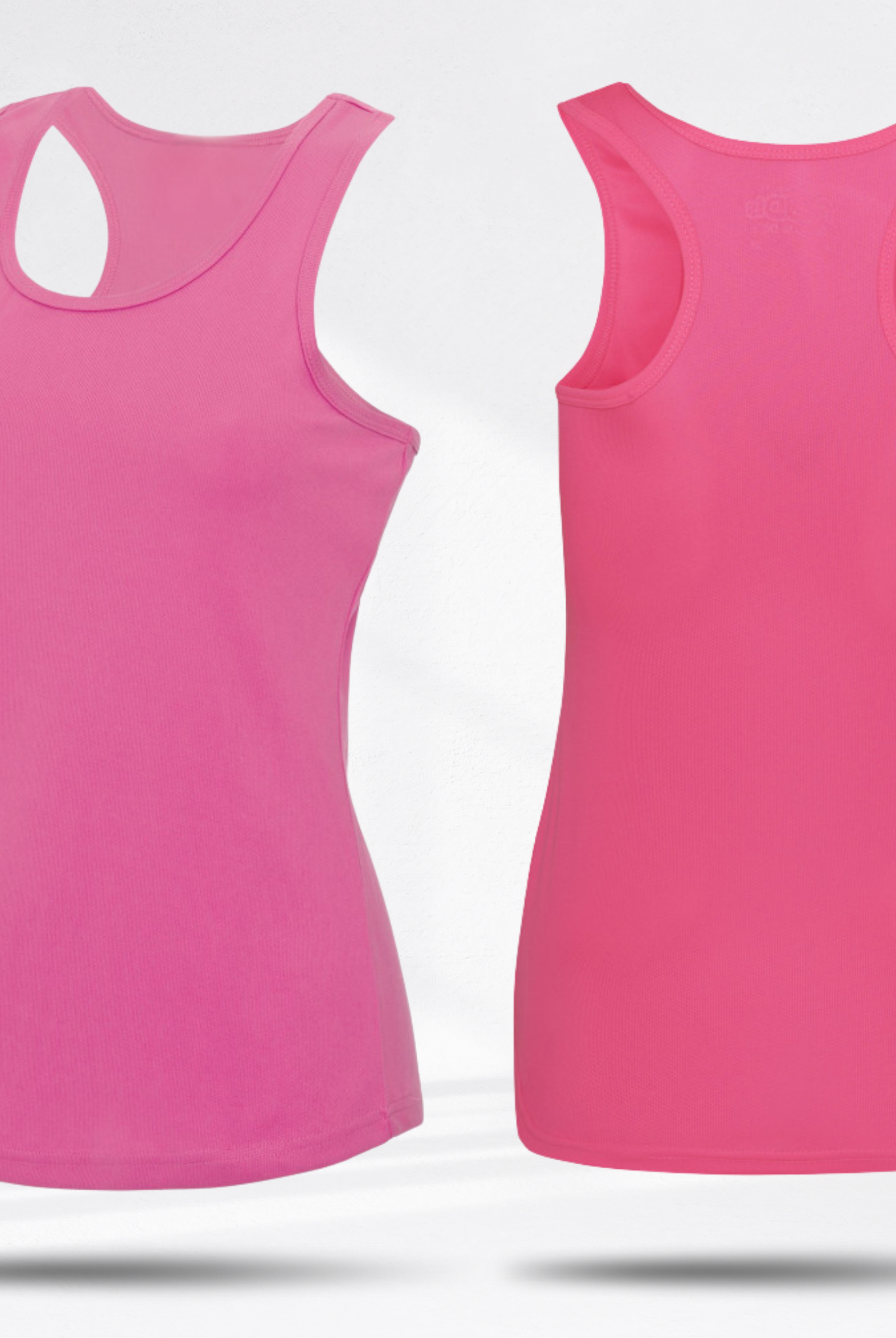

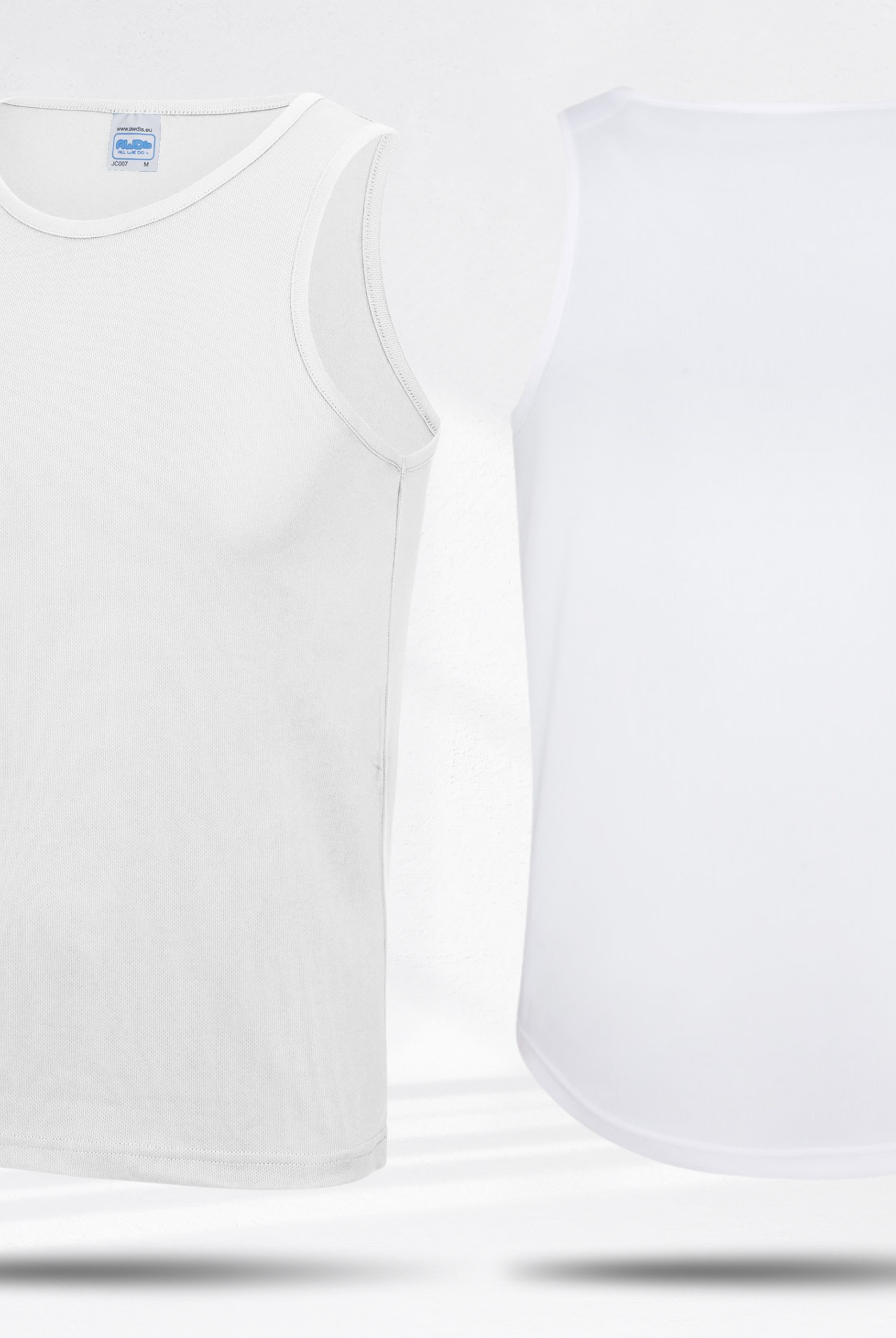
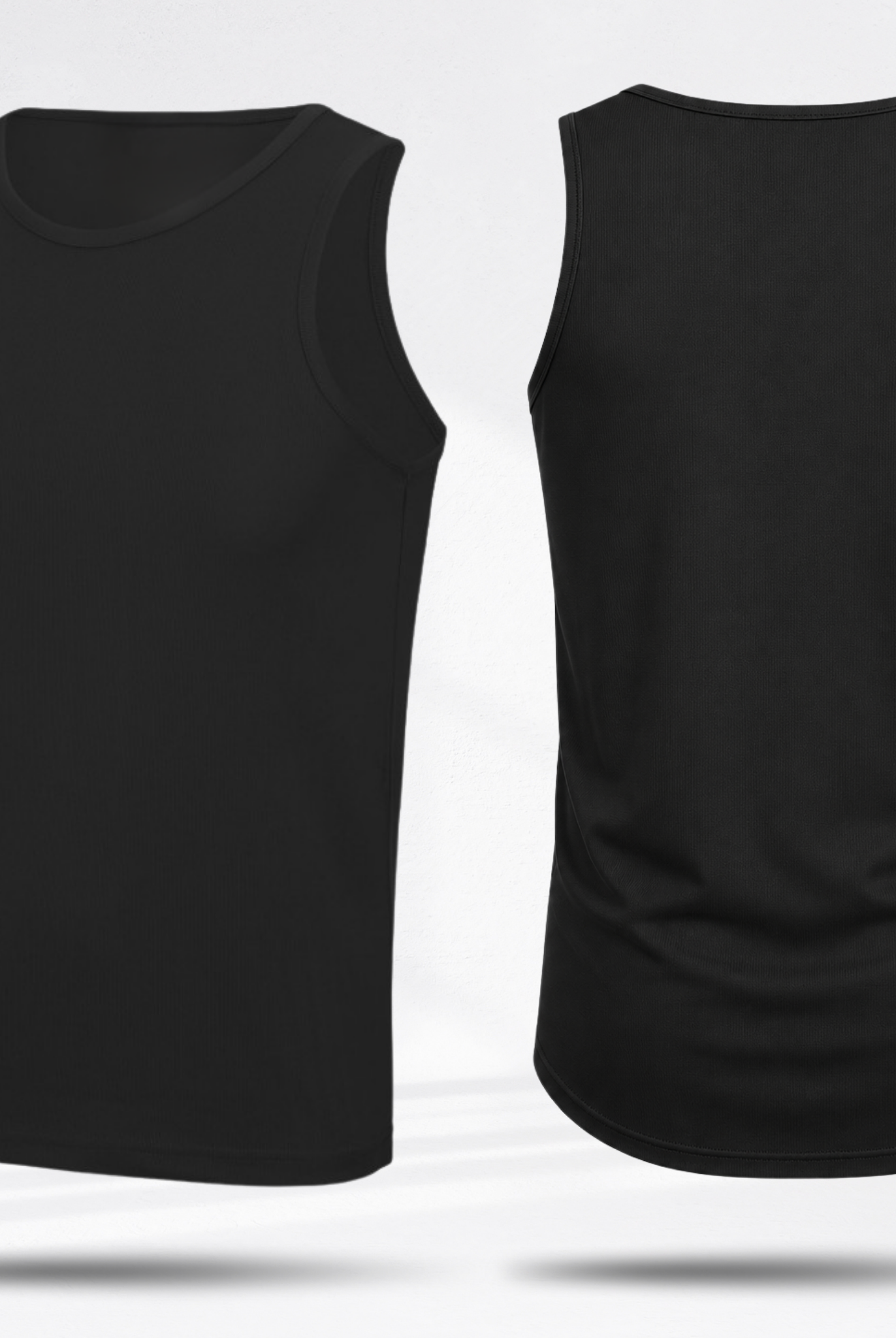
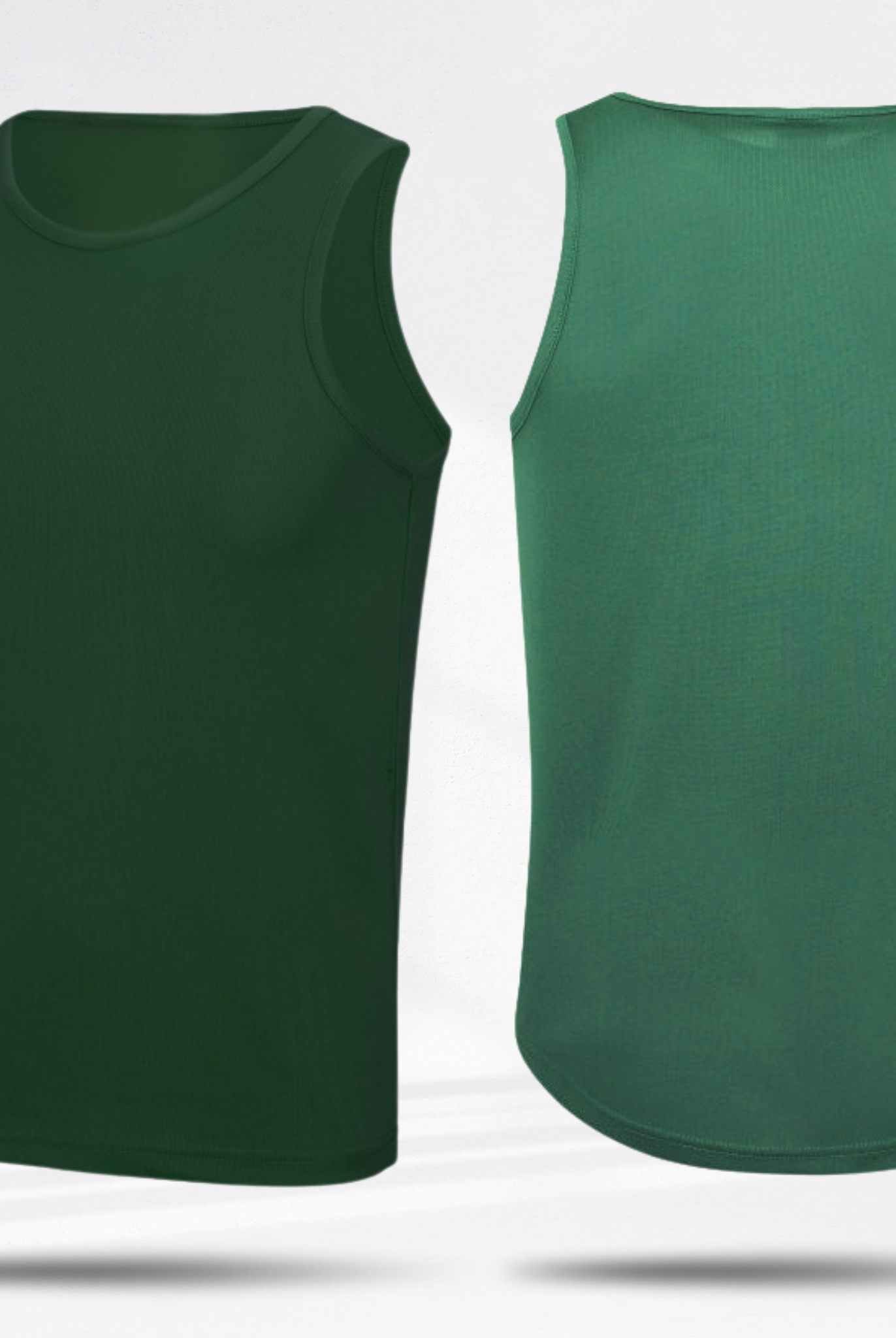




Step 3: We process your order!
Thousands of customers have trusted us, why not you?

Frequently Asked Questions
How can I get help?
If you're having any trouble, head over to the chat to talk. We'll do our best to respond quickly.
How do I retrieve the GPX track?
The first step to personalizing your t-shirt is to import your GPX track.
The GPX file is automatically generated by most sports applications such as
Strava , Garmin Connect or Komoot .
You can simply export the route directly from your application. The export option is usually available on the desktop version.
For a gift
You can go to your friend's public profile to retrieve the GPX file of their activity.
If it's a gift, you can also find the GPX track on the official race website.
or via specialized platforms such as
WeRun
or TraceDeTrail .
What is the production time for the t-shirt?
All information regarding delivery times is on the t-shirt configurator page. Generally, it takes 10 days to process your orders.
What material is the t-shirt made of?
We print on a 100% polyester technical t-shirt designed to wick away sweat. You can choose your color.
